Nav ☰
Framerate Booster
Supported Titles
Instructions
- 0. Make sure your game is fully updated before patching
- 1. Install VCRedist
- 2. Right Click EXE > Properties > Unblock > OK
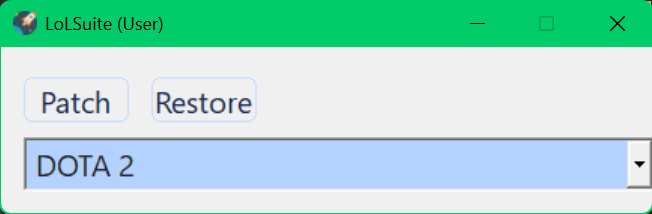
- 3. Run Software, Select Game, Press Patch/Restore, Choose Install-folder of game
- 4. If your DLL files changed (Last-Modified in game folder) after patching then it worked.
- 5. Select the last option as administrator to do a a system cleanup and install latest game-clients
Default Game Directories
- League of Legends :
C:\Riot Games
- Steam Games:
C:\Program Files (x86)\Steam\steamapps\common\game